
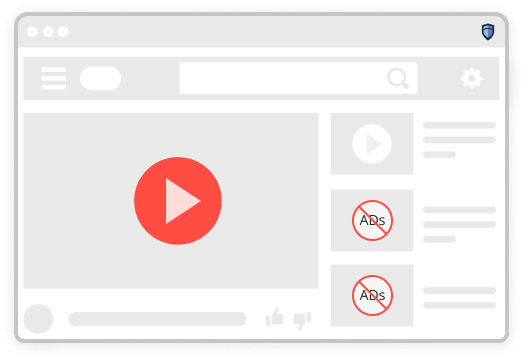
Smooth streaming
The pre-roll that runs before your clip, the mid-roll that stops it halfway, and the banner across the lower third of the frame. All of them are requests, and all of them can be declined.
A filtering extension that declines advertising and tracking requests at the moment a page asks for them — so they are never downloaded at all.
Add to Chrome — it's freeListed on the Chrome Web Store
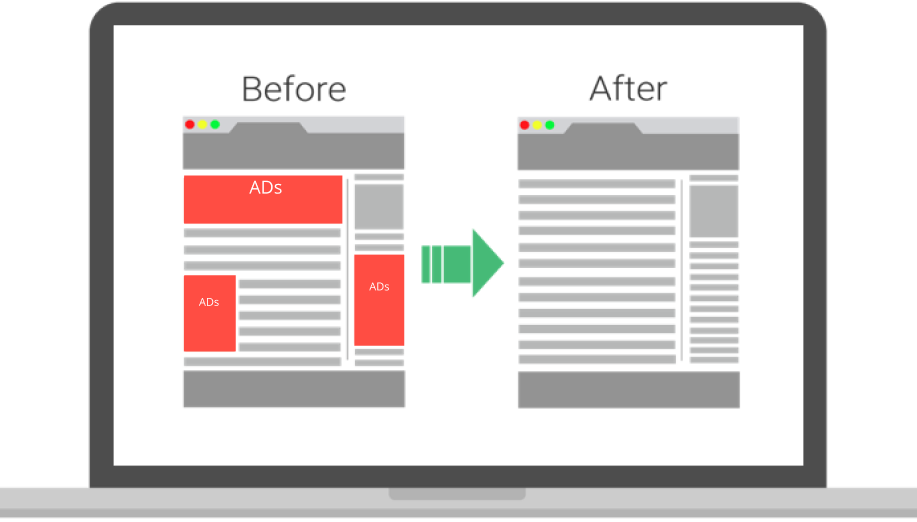
Every task below gets quicker when the page stops loading things you never asked for.
The pre-roll that runs before your clip, the mid-roll that stops it halfway, and the banner across the lower third of the frame. All of them are requests, and all of them can be declined.
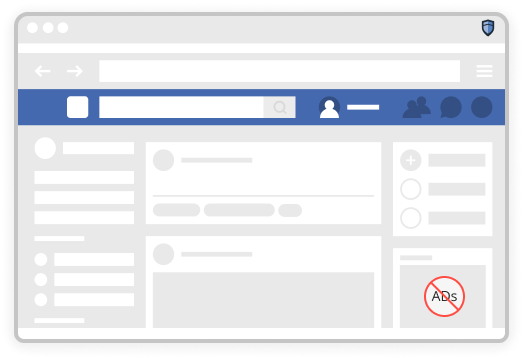
No working out halfway down whether the thing you are reading is the article or an advert dressed as one. The publisher's own words and layout stay exactly as written — those are not on any filter list.
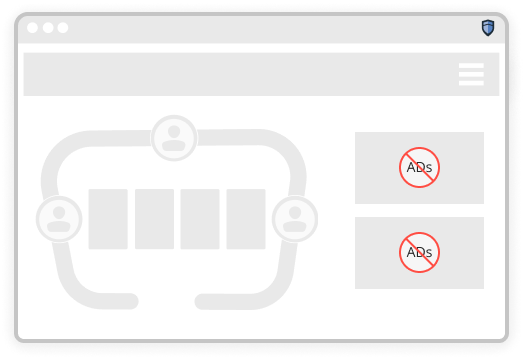
Browser games that make you sit through thirty seconds of advertising before the next level lose the thirty seconds. The game itself is untouched — it is not on any filter list either.
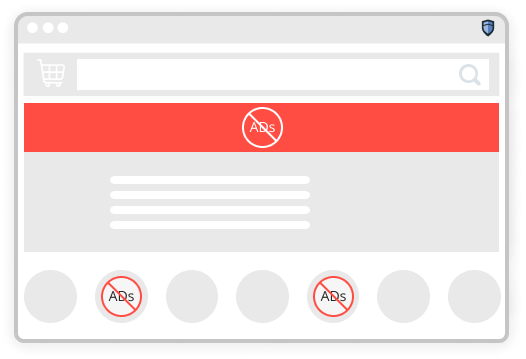
Fewer sponsored placements between you and the thing you actually searched for — and fewer retargeting scripts following that search around for the next fortnight.
Reviews reproduced from the extension's public store listing. Experiences vary by browser and by the sites a person visits.
“I love not seeing ads. The difference on the sites I read every day is not subtle.”
— Karen N.“It keeps them out of my whole time at the computer rather than one tab. Worth it to me.”
— James P.“My machine was bogged down by things loading in the background. It runs noticeably faster.”
— Donna W.Quotations have not been independently verified by Inshight Clubs.
No account, no configuration, and nothing to remember afterwards.
1Add it from the Web Store
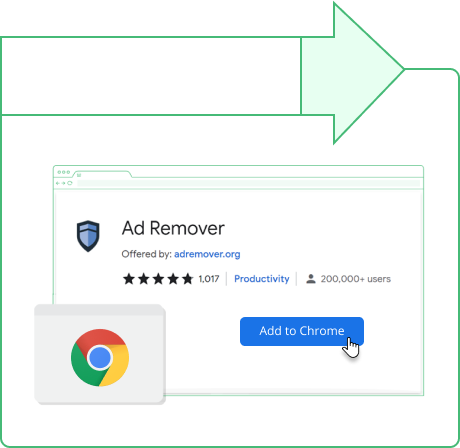
One click from the listing, no restart. The permissions it asks for are set out on the page before you confirm anything.
2Then leave it alone
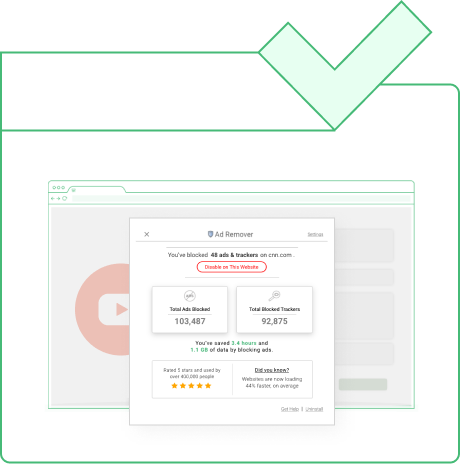
Filter lists load once and refresh quietly. The toolbar icon is where you allow a site through when you want to.
It needs broad permissions. To decide what a page may load, any ad blocker must be able to read and change data on the sites you visit. That is normal for the category, and it is still worth reading the listing before you install.
Advertising funds a great deal of the web. Blocking it takes income from publishers you may want to keep reading — which is exactly why the per-site allowlist exists, and why plenty of people use it deliberately.
Coverage
It installs in Chrome and in Chromium-based browsers — Edge, Brave, Opera and the rest. Which features appear differs between browsers and between releases, so the store listing is the place to check what you are actually getting.
Add to Chrome — it's freeThe extension is listed free on the Chrome Web Store. Blockers in this category commonly offer a paid tier that adds filtering on major sites or extra privacy features — read the listing and the developer's own terms rather than assuming what is included.
Chrome, and Chromium-based browsers such as Edge, Brave and Opera. Feature availability differs between browsers and between versions, and the store listing is the current source of truth.
Occasionally. Filtering can interfere with a video player, a sign-in window or a cookie banner. Every blocker has a per-site off switch, and turning filtering off for one site is the standard first check when a page misbehaves.
Permission to read and change data on the sites you visit — there is no way to decide what a page may load without it. It is broad, it is normal for this category, and it is worth reading what any extension asks for before installing it.
Frequently. A blocked request is never downloaded at all, and advertising and tracking scripts are often the heaviest part of a page. How much you notice depends entirely on which sites you use.
It is a genuine trade-off and we would rather not pretend otherwise. Advertising funds much of what you read. The position we would defend is selective rather than absolute: allowlist the publications you want to keep funded, which every blocker of this kind supports per site.
Install it, read the way you normally read for seven days, then decide. Removing it takes about as long as adding it did.
Add to Chrome — it's freeThis page is a paid advertorial published by inshightclubs.com. It is promotional content rather than an independent review. The link goes to a third-party extension on the Chrome Web Store which we do not develop, publish or support, and we may be compensated for referrals. Features, permissions, pricing and browser support are set by the developer and can change without notice to us. See our Advertising Disclaimer and Privacy Policy.
This page is sponsored content published by Inshight Clubs LLC. The link to the extension is an affiliate link and we may be compensated if you install through it — that arrangement is the reason this page exists.
We do not develop, publish or support the extension and we cannot help with it. Quotations are reproduced from its public store listing and have not been independently verified. Features, pricing, permissions and browser support are set by the developer and can change at any time without notice to us; the store listing is always the authority.